 GPX Hub
Why GPX Hub exists
Runners, cyclists, and hikers often need to correct a GPS spike, remove a private start section, add a water stop, or restore missing elevation. Many existing tools require installation, hide basic actions behind complex interfaces, or are difficult to use on tablets and phones.
GPX Hub started with a simple goal: keep the map, route points, waypoints, and elevation profile visible together so users can understand every edit. The interface is designed for desktop, iPad, tablet, and mobile use.
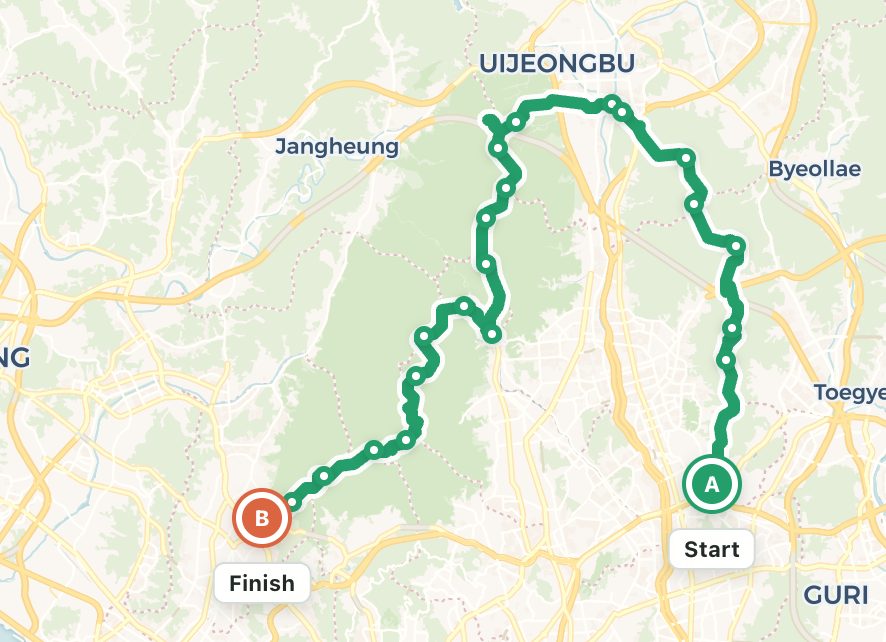
What you can do
- Import a GPX file or draw a new track.
- Select, move, delete, split, simplify, and reverse route points.
- Create named waypoints and reposition them.
- Fill missing terrain elevation and inspect gain and slope charts.
- Download the edited result as a standard GPX file.
How files are handled
GPX parsing, editing, and export are performed primarily in your browser. GPX Hub does not operate an account system or upload your original GPX file into a private route database. The browser may keep the latest work locally so it can offer restoration after a refresh.
When you use place search or elevation lookup, the required query or coordinates are sent to the relevant external provider. See the privacy policy for details.
Maps and open data
The service uses Leaflet, OpenStreetMap data, map styles from CARTO, OpenTopoMap and Esri, and elevation services based on Open-Meteo and Copernicus DEM. Copyright and usage conditions follow each provider’s terms.
Who develops it
GPX Hub is an independent web project designed and developed by 옥수수녹차 (powerofdeen). Improvements are based on real editing problems, mobile usability, accessibility, and GPX compatibility.
Contact
Send feature ideas, bug reports, copyright questions, or data-related inquiries to powerofdeen@naver.com. GPX files can contain sensitive locations, so remove private sections before attaching a file.