Move and delete track points
Select route points, drag them to a better location, or remove unwanted points from the track.
 GPX Hub
Open a GPX file, move route points, manage waypoints, add missing elevation data, and download the edited track. No software installation or account is required.
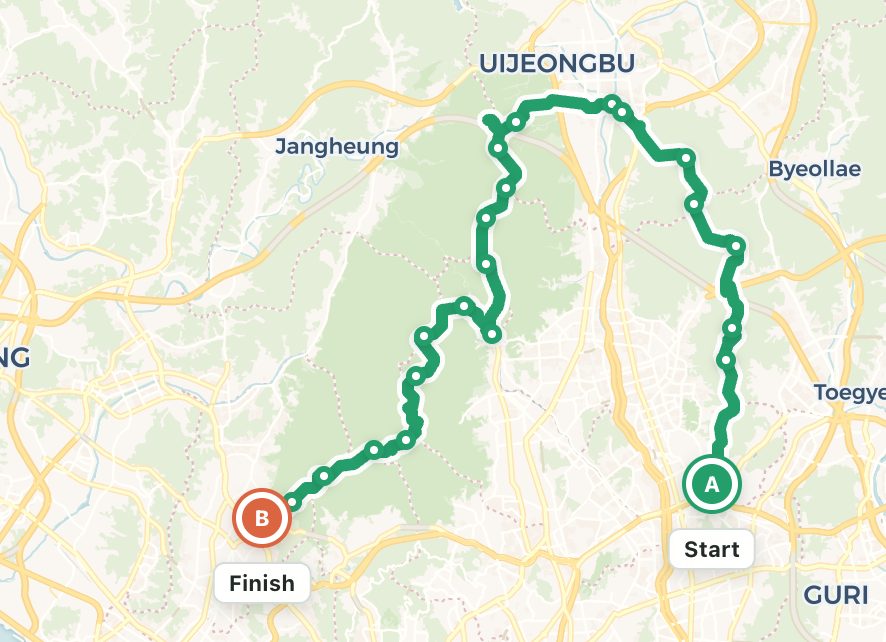
Review hiking, cycling, and running tracks on a real map and make precise changes in your browser.
Select route points, drag them to a better location, or remove unwanted points from the track.
Add named waypoints, reposition them, and keep important locations attached to your GPX file.
Look up terrain elevation and review distance, elevation gain, maximum elevation, and slope charts.
Complete your route edit in three simple steps.
Choose an existing GPX file or start drawing a new route on the map.
Move points, split or simplify the track, reverse direction, and add waypoints or elevation.
Choose a file name and save the edited route as a standard GPX file.
Yes. You can edit routes and waypoints and download the resulting GPX file for free.
Yes. The editor includes responsive touch-friendly panels for phones and tablets.
Yes. The Fill Elevation tool retrieves terrain elevation for the coordinates in your route.
No account is required. You can open the editor and start working immediately.